
-
- Digital Marketing
-
 Perf. Marketing
 E-mail Marketing
 PPC Services
 Video Marketing
 Influencer Marketing
- Social Media
 Facebook Marketing
 Instagram Marketing
 Twitter Marketing
 Pinterest Marketing
 TikTok Marketing


-
- Digital Marketing
-
Perf. Marketing
- E-mail Marketing
- PPC Services
- Video Marketing
- Influencer Marketing
- Social Media
- Facebook Marketing
- Instagram Marketing
- Twitter Marketing
- Pinterest Marketing
- TikTok Marketing
Blog
News Sitemap: Setup Guide for Digital Publishers
Want a Quick Summary?
Summarize this article instantly with ChatGPT.
In digital journalism, publishing speed and crawl immediacy dictate visibility. Breaking stories, investigative reports, and market analyses hold peak value within hours of publication. If search engine crawlers rely strictly on standard internal linking pathways or routine crawl cycles, time-sensitive stories can miss peak search demand entirely.
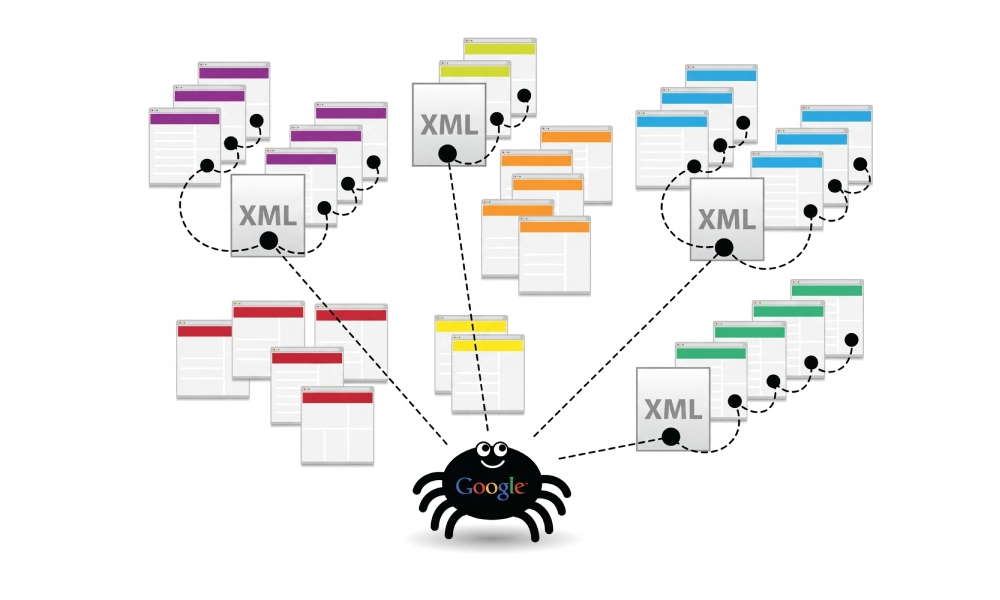
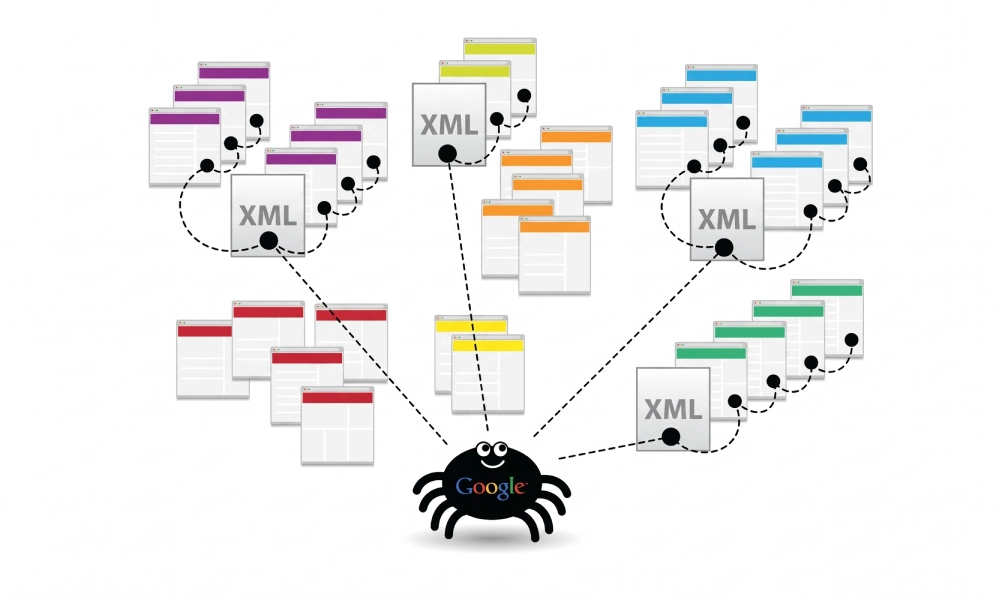
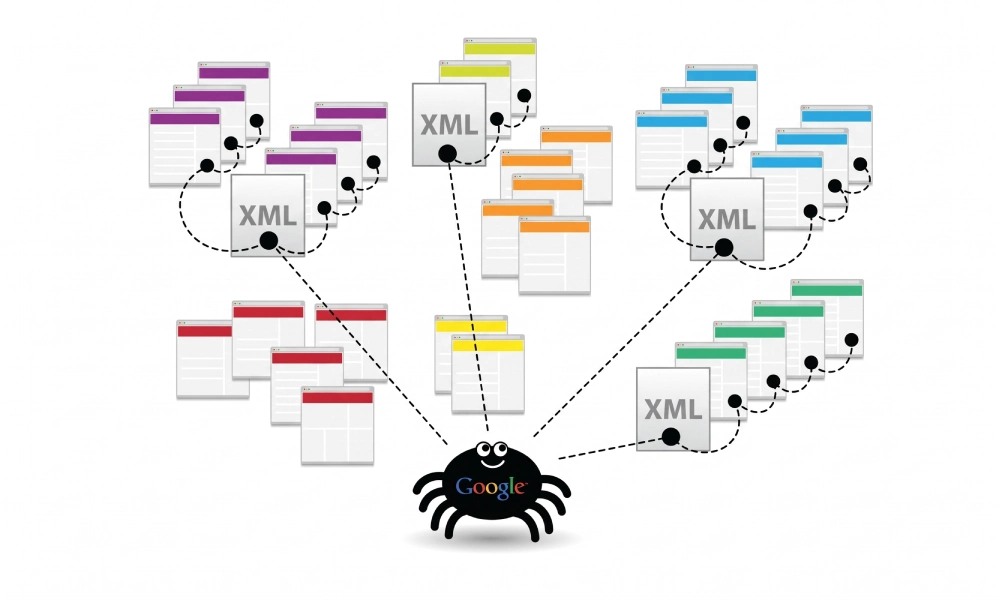
A specialized Google News sitemap bridges this gap. Unlike standard XML sitemaps that catalog a website's permanent architecture, a news sitemap is an active feed engineered specifically for search engine algorithms powering Google News, Top Stories carousels, and Discover feeds. Following this setup guide ensures your newsroom's editorial coverage is ingested, verified, and indexed rapidly.
What Is a Google News Sitemap?
A news sitemap is an XML document adhering to the standard Sitemaps.org protocol while incorporating Google's dedicated news extension namespace (xmlns:news="http://www.google.com/schemas/sitemap-news/0.9"). It feeds structured editorial metadata directly to Googlebot-News, including the official publication name, publication language, publication timestamp, and exact headline title.
The core operating rules of a news sitemap set it apart from standard sitemap files:
- The 48-Hour Lifecycle Limit: A news sitemap must contain only articles published within the last 48 hours. Once an article passes the 48-hour threshold, it should automatically drop off the news sitemap (while remaining indexed within your standard archive sitemaps).
- Hard URL Boundaries: Google restricts a single news sitemap file to a maximum of 1,000 URLs. If your newsroom publishes more than 1,000 stories in a rolling 48-hour window, you must split your entries across multiple child sitemaps and reference them inside a sitemap index file.
- Strict Editorial Focus: A news sitemap must strictly include editorial news content. Promotional guides, corporate press releases, advertorials, and classified listings must be omitted.
XML Schema and Required Tags for News Sitemaps
A protocol-compliant news sitemap requires specific child tags nested inside the <news:news> container block under each URL entry.
Here is an example of a complete, compliant news sitemap containing a single article listing:
<?xml version="1.0" encoding="UTF-8"?>
<urlset xmlns="http://www.sitemaps.org/schemas/sitemap/0.9"
        xmlns:news="http://www.google.com/schemas/sitemap-news/0.9">
  <url>
    <loc>https://www.yourdomain.com/news/tech-breakthrough-2026/</loc>
    <news:news>
      <news:publication>
        <news:name>Global Tech Chronicle</news:name>
        <news:language>en</news:language>
      </news:publication>
      <news:publication_date>2026-10-17T09:15:00+00:00</news:publication_date>
      <news:title>Semiconductor Breakthrough Sets New Standard for Processing Efficiency</news:title>
    </news:news>
  </url>
</urlset>
Detailed Breakdown of Required News Tags
Google evaluates news tags strictly. Missing or improperly formatted tags will cause parsing rejections in Google Search Console:
| XML Tag | Requirement Level | Accepted Values / Format | Technical Function |
|---|---|---|---|
<loc> |
Mandatory | Absolute URL (HTTPS) | The canonical address of the published news article. |
<news:news> |
Mandatory | Container element | Encloses all news-specific metadata for the story. |
<news:publication> |
Mandatory | Parent container | Contains the publication brand and language specifications. |
<news:name> |
Mandatory | Text string | The exact brand name of your news publication as configured in Google Publisher Center. |
<news:language> |
Mandatory | ISO 639-1 two-letter code | The primary language of the story (e.g., en, es, ar, fr). |
<news:publication_date> |
Mandatory | W3C Datetime format | The exact publication date and time, including timezone offset (e.g., YYYY-MM-DDThh:mm:ss+00:00). |
<news:title> |
Mandatory | Text string | The headline of the article. It should match the on-page <h1> tag and title element. |
Step-by-Step Implementation Guide for Publishers
Follow this technical workflow to configure, automate, and validate a news sitemap for your media portal:
Step 1: Verify Editorial Compliance and E-E-A-T Signals
Google enforces strict quality and transparency criteria before including publishers in news carousels:
- Clear Bylines and Author Bios: Every story must feature an explicit author byline linked to a dedicated biography page showcasing the journalist's expertise and professional credentials.
- Editorial Transparency: The site must host visible organizational policies, including an About Us page, Editorial Ethics Policy, Corrections Policy, and full corporate contact details.
- Distinction Between Opinion and News: Clearly label sponsored content, paid advertorials, and opinion pieces to prevent algorithmic policy flags.
Step 2: Automate Dynamic 48-Hour Filtering in Your CMS
Manually updating a news sitemap is impossible for fast-moving publications. Your content management system (CMS) or backend build process must handle URL turnover automatically:
- WordPress Publishers: Utilize advanced SEO plugins with dedicated news modules (such as Rank Math PRO or Yoast News SEO). These extensions automatically query the database for articles published within the last 48 hours, outputting a dynamic endpoint at
yourdomain.com/news-sitemap.xml. - Custom Meta-Frameworks (Next.js / Node.js): Create a server-side route (e.g.,
app/news-sitemap.xml/route.js) that queries your database for articles with acreated_attimestamp greater thanNOW() - INTERVAL 48 HOUR, formatting the JSON output into standard XML syntax.
Step 3: Pair with NewsArticle JSON-LD Schema Markup
While a news sitemap accelerates crawl discovery, on-page structured data validates your journalism. Embed a corresponding NewsArticle schema block inside the HTML <head> of each article:
<script type="application/ld+json">
{
  "@context": "https://schema.org",
  "@type": "NewsArticle",
  "headline": "Semiconductor Breakthrough Sets New Standard for Processing Efficiency",
  "image": [
    "https://www.yourdomain.com/images/lead-chip.jpg"
  ],
  "datePublished": "2026-10-17T09:15:00+00:00",
  "dateModified": "2026-10-17T10:00:00+00:00",
  "author": [{
      "@type": "Person",
      "name": "Sarah Jenkins",
      "url": "https://www.yourdomain.com/authors/sarah-jenkins/"
  }],
  "publisher": {
      "@type": "Organization",
      "name": "Global Tech Chronicle",
      "logo": {
        "@type": "ImageObject",
        "url": "https://www.yourdomain.com/assets/logo.png"
      }
  }
}
</script>
Step 4: Generate Baseline Sitemap Files for Non-News Content
Remember that a news sitemap only handles time-sensitive news stories. Your static sections, topical hubs, evergreen guides, and category pages must be maintained in standard XML sitemaps to secure regular search indexation.
For custom platforms or publishing networks needing a fast, verified foundational architecture, you can generate xml sitemap online to catalog your core domain structure and establish validated protocol files ready for server deployment.
Step 5: Reference the File in Robots.txt
Ensure search crawlers locate your news feed immediately upon hitting your server by adding an explicit directive to your robots.txt file:
User-agent: *
Disallow: /admin/
Disallow: /drafts/

Sitemap: https://www.yourdomain.com/news-sitemap.xml
Sitemap: https://www.yourdomain.com/sitemap_index.xml
Step 6: Submit to Google Search Console
- Log into your Google Search Console property.
- In the left sidebar under Indexing, click Sitemaps.
- Enter your file endpoint (e.g.,
news-sitemap.xml) into the "Add a new sitemap" box. - Click Submit and verify that Google registers a green "Success" status.
Critical Technical Mistakes to Avoid in News Sitemaps
Minor technical errors can prevent Googlebot-News from ingesting your articles during critical reporting windows:
- Retaining Articles Older Than 48 Hours: Leaving stale articles in the news sitemap violates protocol guidelines and can cause Googlebot to slow its crawl frequency for your news endpoint. Enforce strict programmatic pruning.
- Mismatched Publication Names: The string inside
<news:name>must match your official brand name exactly as approved in Google Publisher Center (including exact spacing and capitalization). - Including Non-News URLs: Adding author profile pages, category archive listings, evergreen listicles, or product reviews to a news sitemap creates algorithmic classification penalties.
- Unescaped XML Characters in Headlines: Any ampersands (
&), double quotes, or brackets appearing in news headlines must be converted to valid XML entities (such as&). - Inconsistent Publication Timestamps: The
<news:publication_date>tag must match the on-page visible publication timestamp and the JSON-LDdatePublishedproperty. Artificially modifying the timestamp without substantial story updates violates Google spam policies.
Accelerate Your Editorial Reach
For news publishers, search visibility is won in the first few hours following an event. By building an automated news sitemap limited strictly to fresh 48-hour content, maintaining accurate W3C timestamps, implementing NewsArticle schema, and monitoring Search Console processing feeds, you ensure your newsroom captures real-time search demand and secures prominent placement in Google News.
Looking for Measurable Business Growth?
Partner with BrandStory for end-to-end digital & creative excellence.


Are You Looking for Growth?
Free instant digital marketing audit and improve performance.
Get Graded Today
Transform Your Digital Growth with BrandStory
From SEO, PPC, social media marketing, and content marketing to website development, branding, and lead generation, BrandStory delivers result-driven digital marketing services in Dubai and across the UAE, helping businesses attract, engage, and convert more customers.
Trusted by 1000+ leading brands in Dubai and globally including:




Related Blogs

How to Create a Sitemap for Wix, Webflow, or Custom Websites
Search engines crawl billions of pages daily by traversing hyperlinks across the web. However, if your website relies ...
How to Create a Sitemap for Shopify: Setup and Submission Guide
For e-commerce merchants running stores on Shopify, search engine visibility is directly tied to store revenue. If sea...

How to Create a Sitemap for WordPress: Step-by-Step Guide
An XML sitemap is a critical technical blueprint for any WordPress website. It serves as a direct, structured director...
.webp)
How to Find and Fix Broken Links That Hurt Your Sitemap
An XML sitemap is supposed to represent the definitive inventory of your highest-value, fully functioning web pages. W...
.webp)
Crawl Budget: How Sitemaps Help Search Engines Crawl Your Site
Every website operates under computing and bandwidth constraints, and search engines like Google and Bing are no excep...
Why Google Is Not Indexing Your Pages (and How a Sitemap Helps)
Publishing high-quality content or launching an e-commerce catalog does not guarantee automatic inclusion in Google se...

